RECOMENDAÇÕES E BOAS PRÁTICAS

1. Otimize ao máximo o peso dos arquivos, quanto mais leve, mais rápido a peça irá carregar (O peso total do criativo é o peso de todos os arquivos locais somado do peso de todos os arquivos e recursos acessados externamente).
2. Sempre enviar as peças HTML em um arquivo ZIP contendo todos os arquivos dependentes, como HTML,CSS, JS, GIF, PNG, SVG ou JPEG.
3. Evitar chamadas externas e, se absolutamente necessário, usar links seguros (https com certificação SSL).
4. Evite usar bibliotecas externas como JQuery e players de vídeo.
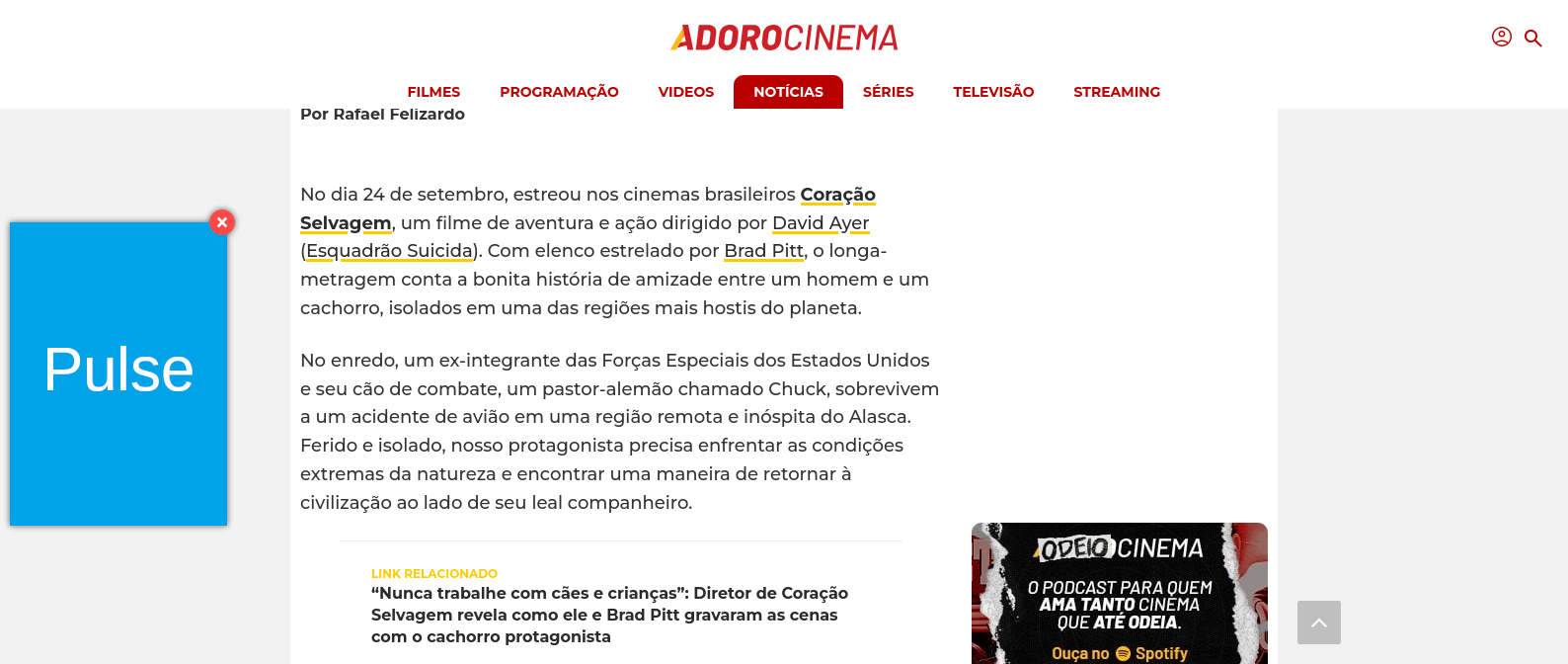
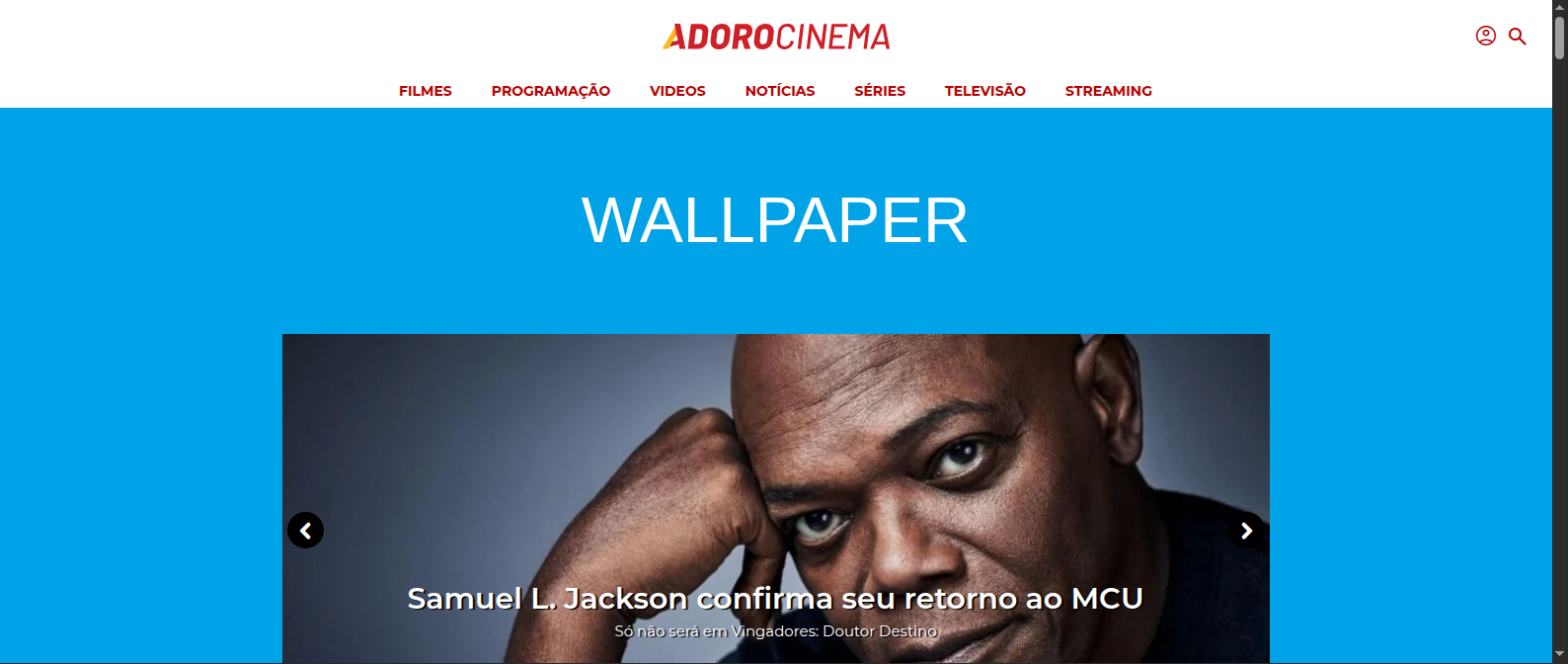
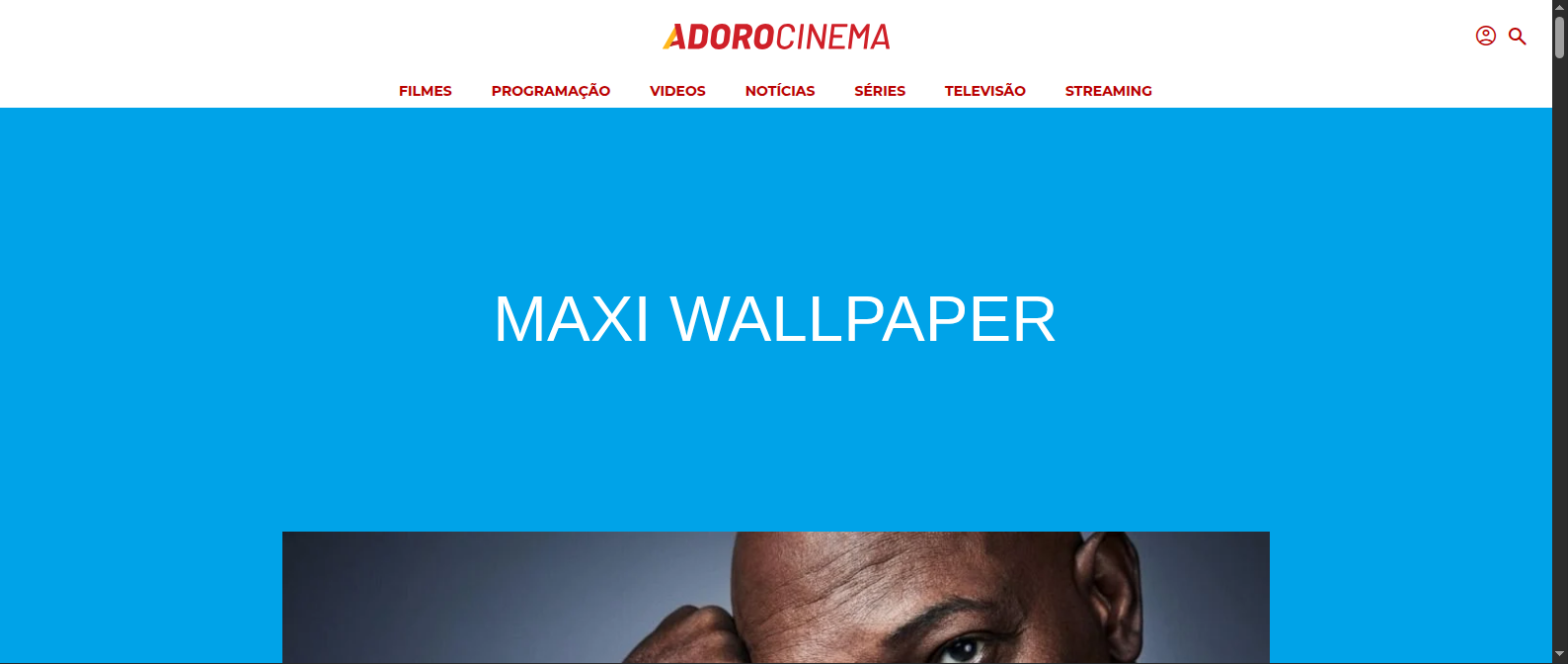
5. Respeite as áreas quentes e frias das peças para evitar que a arte não se encaixe em nossos sites.

RECOMMENDATIONS AND BEST PRACTICES

1. Optimize the file weight to the maximum extent possible; the lighter it is, the faster the asset will load. (The total weight of the creative is the sum of the weights of all local files plus the weight of all externally accessed files and resources).
2. Always send HTML creatives in a ZIP file containing all dependent files, such as HTML, CSS, JS, GIF, PNG, SVG, or JPEG.
3. Avoid external calls and, if absolutely necessary, use secure links (https with SSL certification).
4. Avoid using external libraries such as JQuery and video players.
5. Respect the hot and cold areas of the creatives to prevent the art from not fitting into our sites.

CLICK TAG

1) Nomear o elemento clicável como "click-area"

1) Name the clickable element as "click-area"

1) Nombrar el elemento clickeable como "click-area"

Ex: <a href="#" id="click-area">

2) Inserir o script abaixo no final do <body>

2) Insert the script below at the end of the <body>

2) Insertar el script a continuación al final de <body>

<script type="text/javascript">
  var url = window.location.href;
  var clickTag = url.substring(url.indexOf("click=")+6,url.length);   document.getElementById("click-area").addEventListener('click', ()=> {     window.open(clickTag, "_blank");
  });
</script>